[01]Intro
::Project
Project
Wrike
A board-based planning tool for teams managing projects, priorities, and workload in one place.
Role
Senior Product Designer
Client
[img 01]Main screen

:: preview
[img 02]Second screen
:: preview
[02]Section
::Overview
Story / overview
Overview
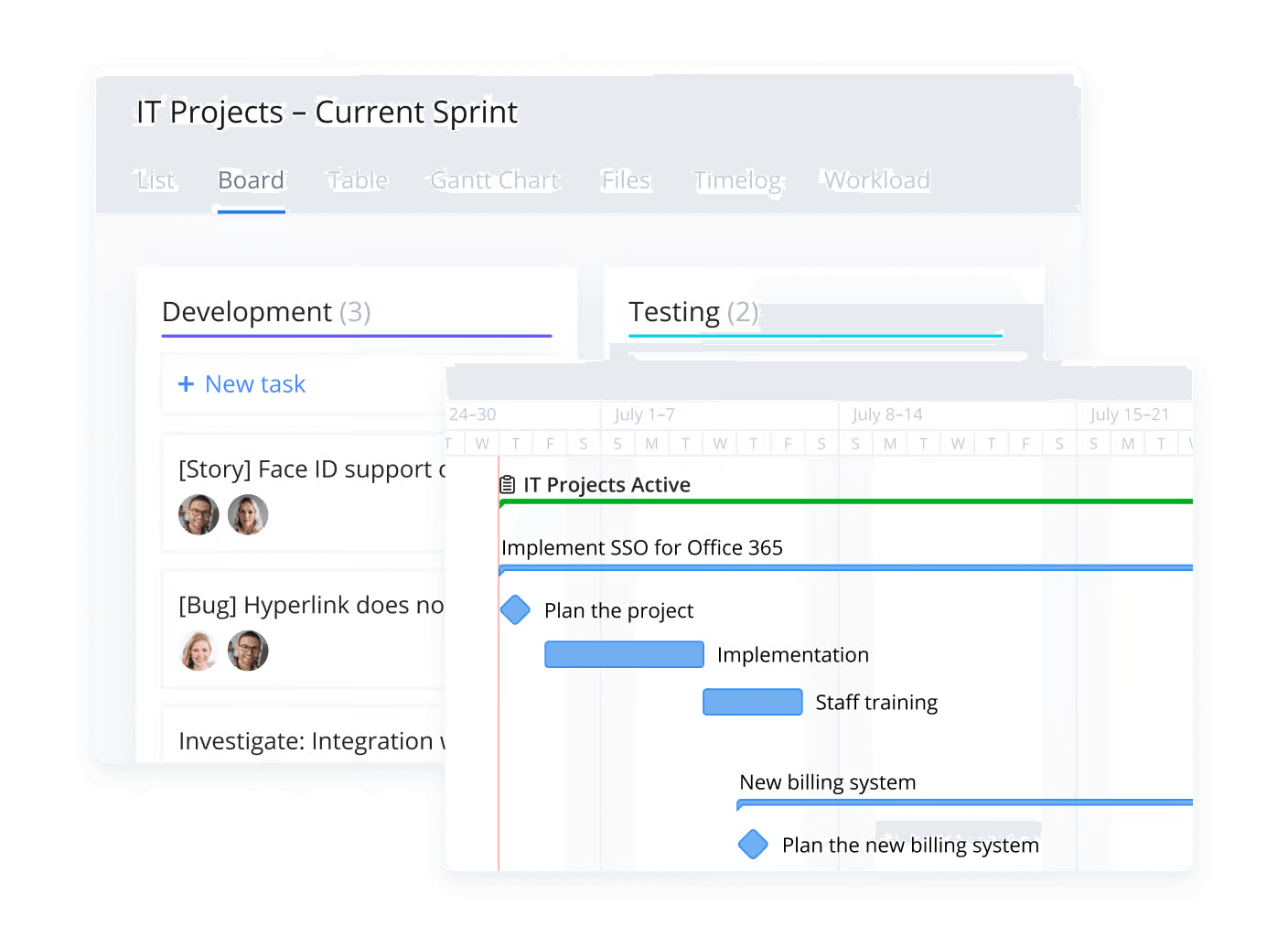
Wrike is a work management product used by teams planning projects across shared boards, priorities, and workload. This case focused on making a board-based planning view easier to read when many people, tasks, and timelines had to stay aligned.
[03]Section
::Problem
Story / problem
Problem
Board views are fast when work is simple, but they get harder to trust as more teams, dependencies, and deadlines pile up.
People need to understand status, ownership, and capacity without opening each item one by one or switching into separate planning tools.
The product challenge was not to invent a new workflow, but to make the existing one easier to scan, discuss, and act on.
[08]Section
::Actions
Changes
What changed
The main changes in the product and the support workflow.
[01]
Board first, but not board only
The planning view stayed board-based, but gave teams more context without forcing them out of the flow.
[02]
Workload closer to the task view
Capacity and task planning were brought closer together, so tradeoffs were easier to spot earlier.
[03]
Clearer shared status
The interface made it easier for teams to see what was moving, blocked, or overloaded at a glance.
[04]
Less coordination outside the tool
More of the planning conversation could stay inside one surface instead of spreading across updates and follow-up checks.
[06]Section
::Planning view
[img 01]Planning view
:: click to inspect
Context / note
Planning view
The direction here was simple: keep the board fast to scan, make workload easier to read, and help teams understand priorities without extra digging.
[09]Section
::Outcome
Outcome
A clearer planning surface
This case study is intentionally shorter than some of the others in the portfolio, but the outcome was clear: make planning easier to read, keep workload visible, and help teams align around one shared view of work.
Product context
Enterprise project and workload planning
Core improvement
Priority, ownership, and capacity became easier to read together
Why it mattered
Teams could spend less time hunting for status and more time moving work forward
[98]Footer
::Contact
Contact
Get in touch
If this project is close to what you are building, feel free to reach out.
Team
- Product Design
Stack
[SaaS]/[Productivity]/[Enterprise]/[Project Management]/[Dashboard]
Contact
[99]Navigation
::More projects
Navigation
Continue browsing
Open the previous or next project, or go back to the home page.
Keys: ← previous / → next[00]Back to home
PreviousPeruse
Peruse
An AI document tool that organizes files by meaning, not just by folder structure.
[img prev]Peruse
No preview available
:: single image
NextVK
Taxi Aggregator Support Workspace
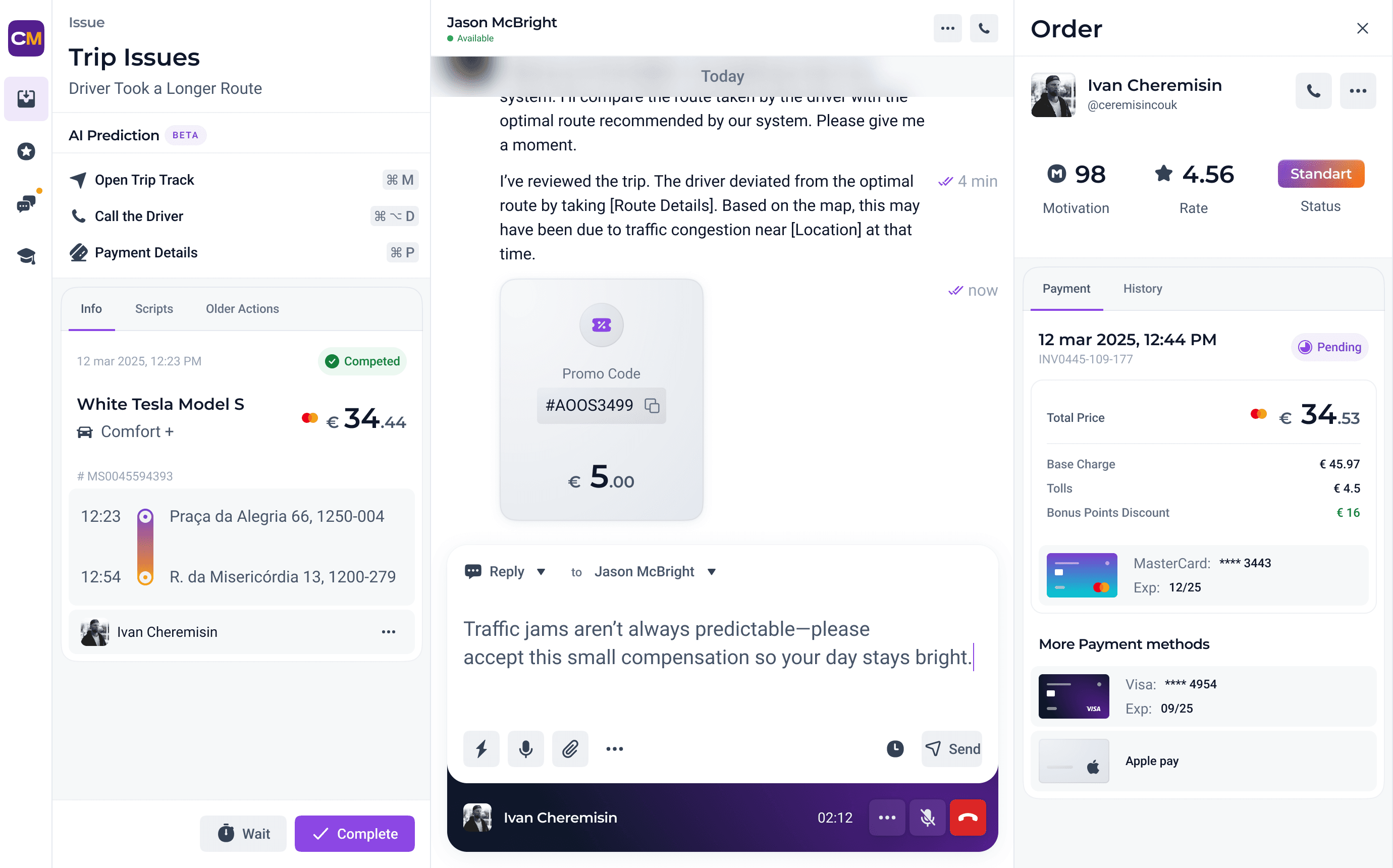
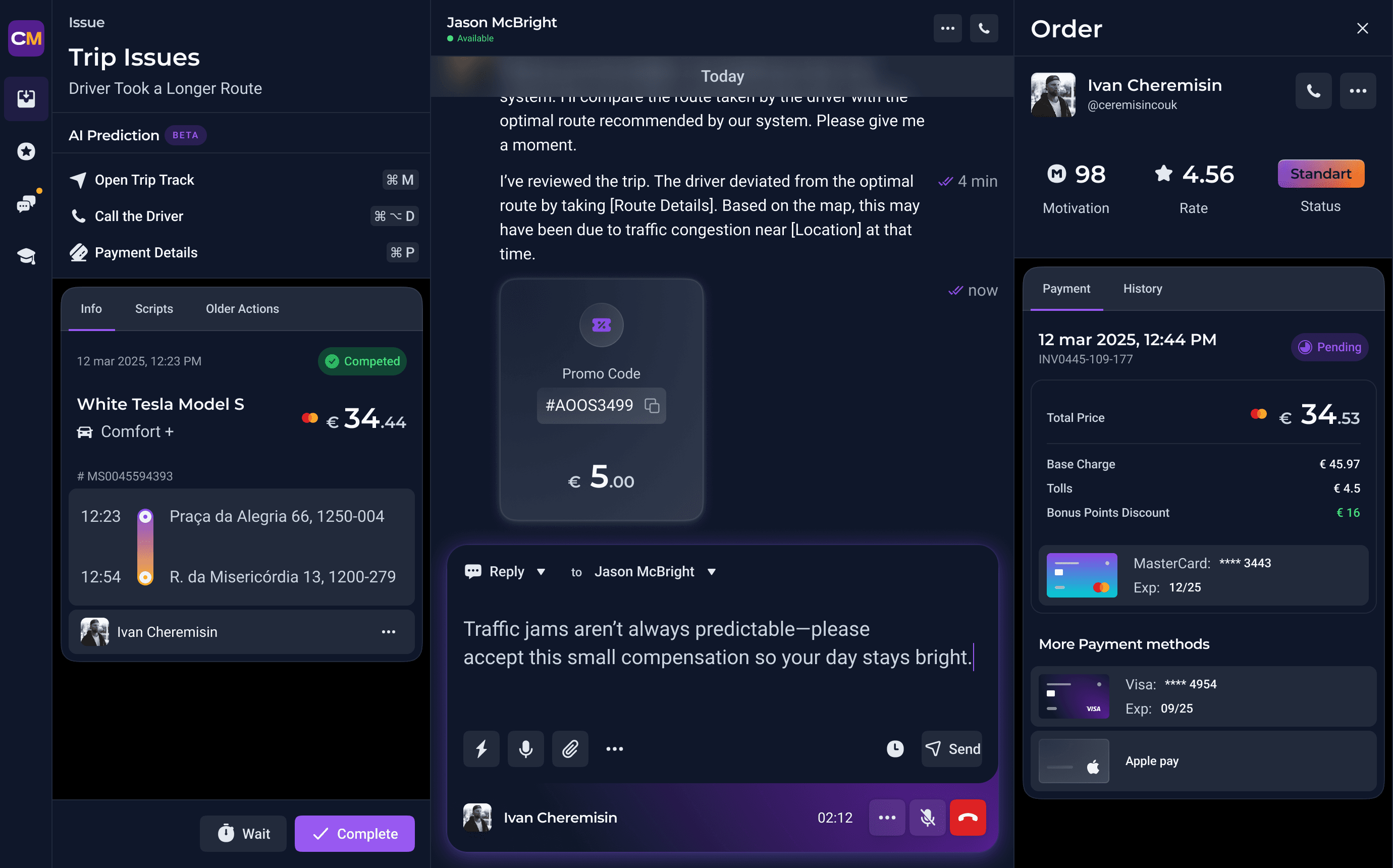
Support workspace for a taxi service. It helped operators answer more requests with less switching and less guesswork.
[img next]Taxi Aggregator Support Workspace
:: light + dark